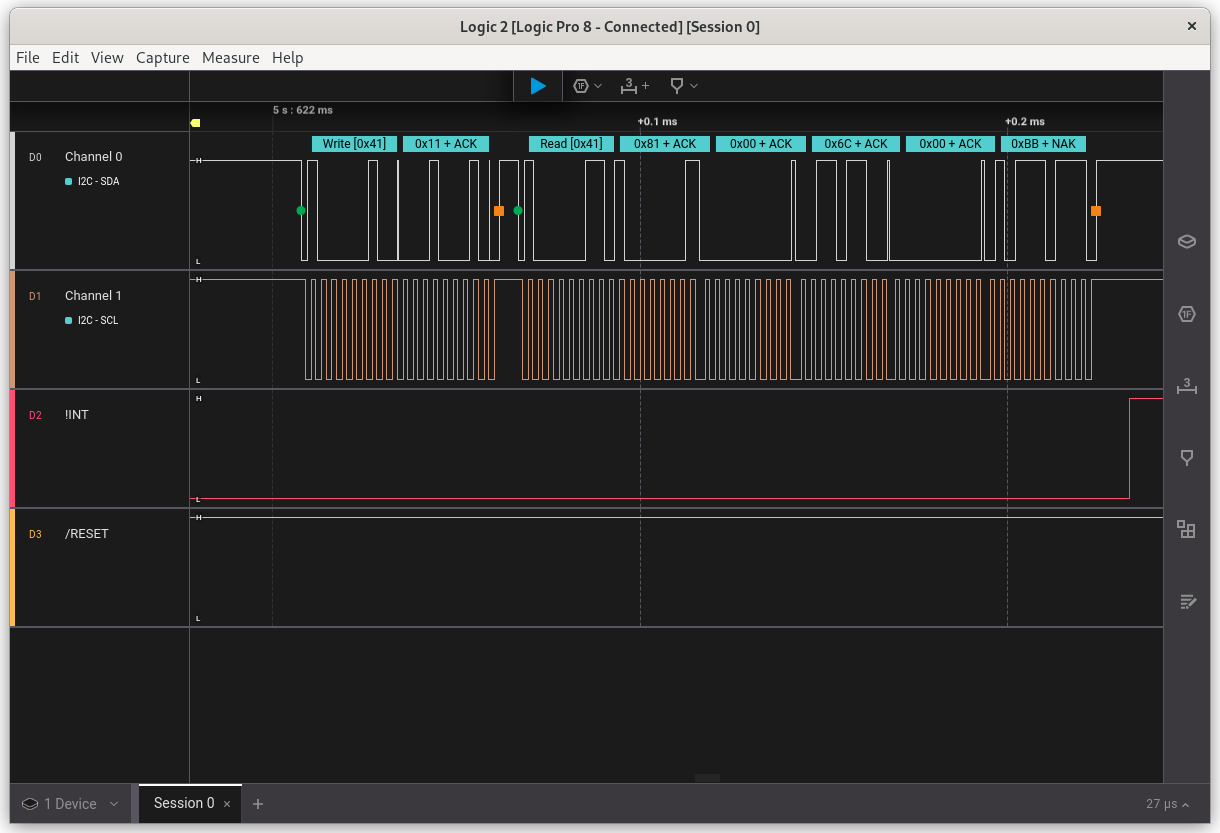
Debug the touch I²C signals
This technical note details how to debug the touch I²C signals with a logic analyser.
The options are especially useful to check all the signals are correct when Defining a non-listed board or Migrating to another SDK, and when creating a ticket .
The example uses the Saleae Logic Pro 8 with the application Logic 2 .
Configure
| Logic analyser Channel |
EXT3-Touch board Pin |
EXT3.1 board Pin |
EXT3-Touch board Signal |
|---|---|---|---|
| 1 | 1 | I²C SDA | |
| 2 | 2 | I²C SCL | |
| 3 | 3 | Touch !INT | |
| 4 | 4 | Touch /RESET | |
| Ground | 10 | Ground |
Set a trigger on channel 4 connected to Touch /RESET, with a 99~101 ms wide low pulse as pattern.
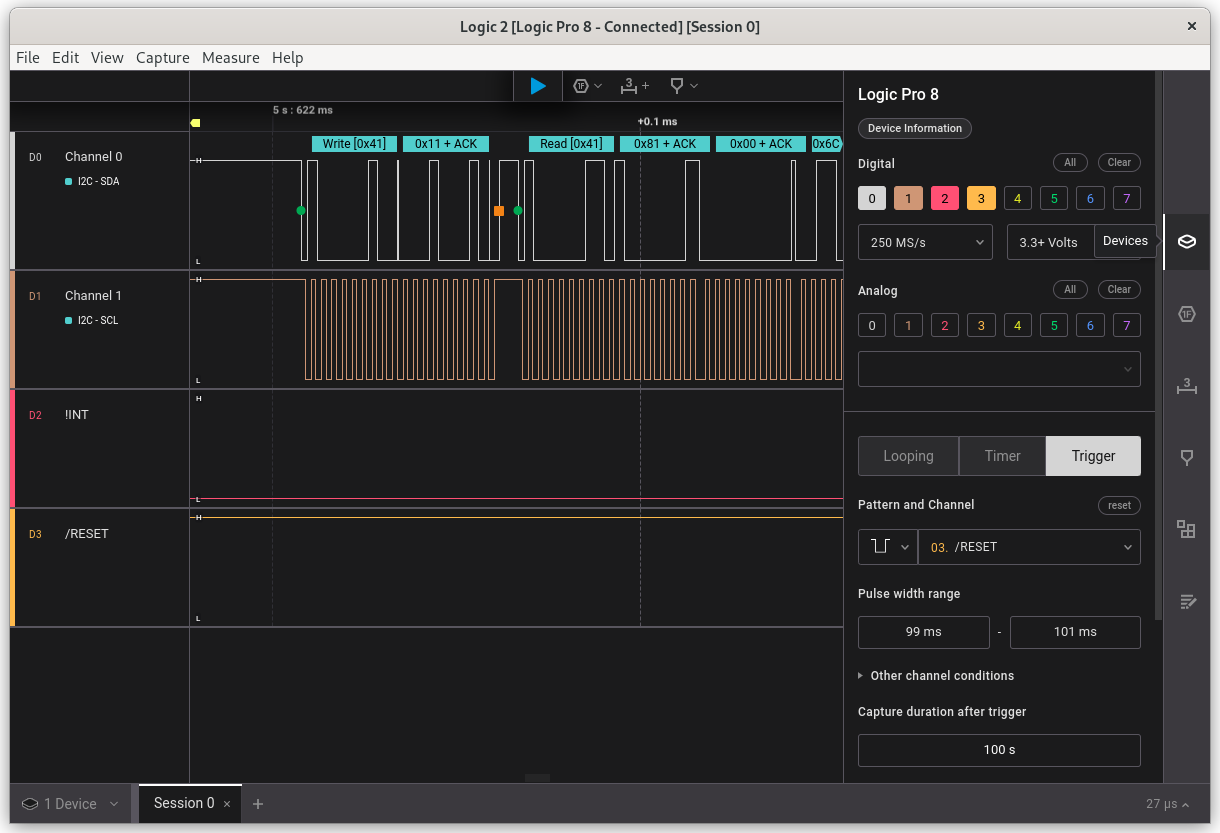
The touch reset signal is used as a trigger
Use
On the Saleae application, press the Capture button.
Launch the device under test. The reset signal will trigger the recording of the signals.
Example